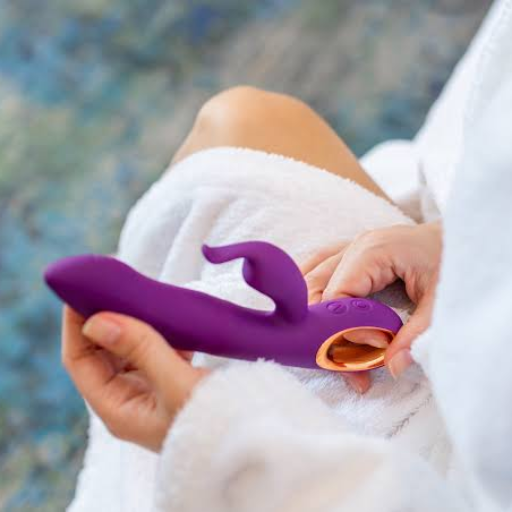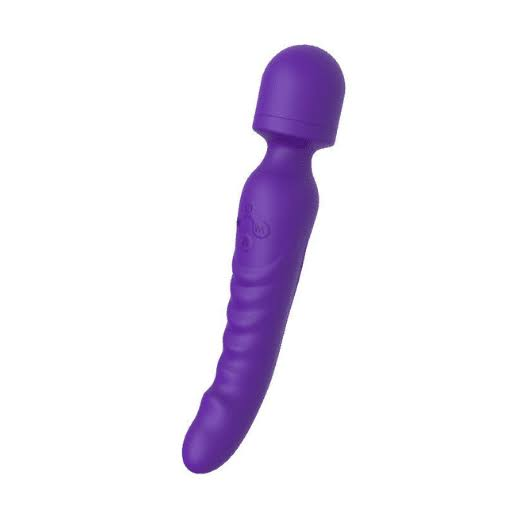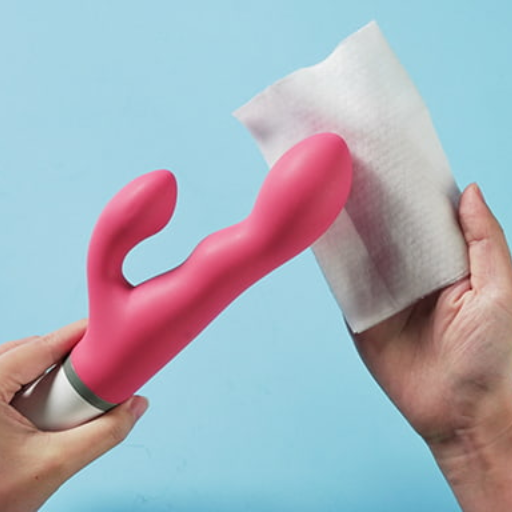

App-controlled toys use a companion phone app to control supported settings, such as intensity and patterns. Some also let an invited partner control the device over the internet. Choosing one means checking both the physical product and the software behind it: connection modes, phone compatibility, permissions, partner access, and ongoing support.
This guide explains those choices and the EU cybersecurity reporting rules that manufacturers now need to consider. Remote control is a feature to evaluate; it does not establish a product’s privacy or security on its own.
Introduction to App-Controlled Vibrators
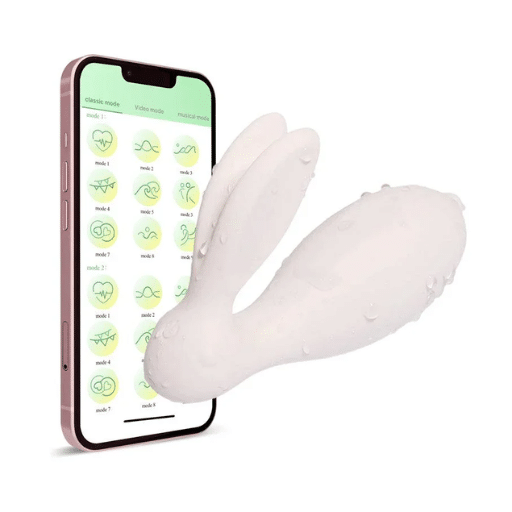
Local Control and Long-Distance Control Are Different
A typical app setup connects a nearby phone to a compatible toy over Bluetooth. The phone app sends commands to the device. Internet-based partner control adds another connection: the partner’s phone communicates through the supported app service, while the phone near the toy maintains its local connection.
Bluetooth itself does not connect partners in different countries. For the internet mode described in Lovense’s setup guide, both sides need internet access. The nearby phone can use an appropriate Wi-Fi or mobile-data connection; that does not mean the toy itself has Wi-Fi.
App control also differs from a dedicated handheld remote. If you mainly need nearby operation, compare the setup requirements before choosing. Our remote-controlled vibrator guide covers that related option.
Documented App Examples
Lovense and We-Vibe provide examples of companion apps with local and long-distance functions. The We-Vibe App page describes partner invitations, customizable patterns, and communication options for compatible products. These are examples of specific ecosystems, not features shared by every app-controlled vibrator.
Check the exact model’s supported app and functions before buying. A brand-level app description is not a specification sheet for every device that brand sells.
Technological Advancements in App-Controlled Toys
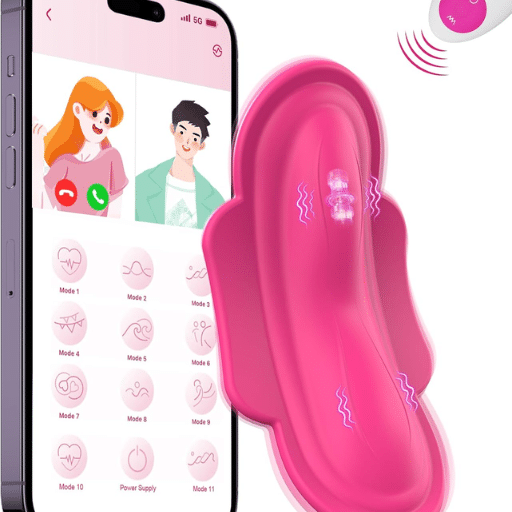
Understand the Connection Chain
For supported internet control, think of the path as: partner phone, internet/app service, nearby phone, Bluetooth, toy. Each part needs to work for commands to reach the device. Distance from the nearby phone, phone settings, connectivity, and service availability can affect the session. A claim of long-distance control is not a guarantee of uninterrupted operation.
Before relying on remote mode, test local pairing first. Then test the partner invitation and a short remote session using the manufacturer’s instructions. If local control works but partner control does not, use the app’s remote-mode troubleshooting rather than assuming the toy’s Bluetooth range has changed.
Choose Functions You Will Use
Some supported apps offer adjustable patterns or saved preferences. Compare the documented options for your model rather than assuming it includes voice control, automated personalization, or health tracking.
Use this checklist when comparing products:
- Phone support: Check the current app-store listing, operating-system requirements, and model compatibility.
- Control modes: Confirm whether local control, internet partner control, or both are supported, and whether an account is needed.
- Usability: Check how to adjust intensity, stop operation, and disconnect a partner.
- Physical design: Compare dimensions, controls, and charging instructions with your needs.
- Maintenance: Look for official update instructions and ask how long the app and firmware will be supported.
Keep a copy of the model’s manual. General app advice cannot establish charging methods, water-exposure limits, or cleaning procedures for an unidentified product.
User Benefits of App-Controlled Sex Toys
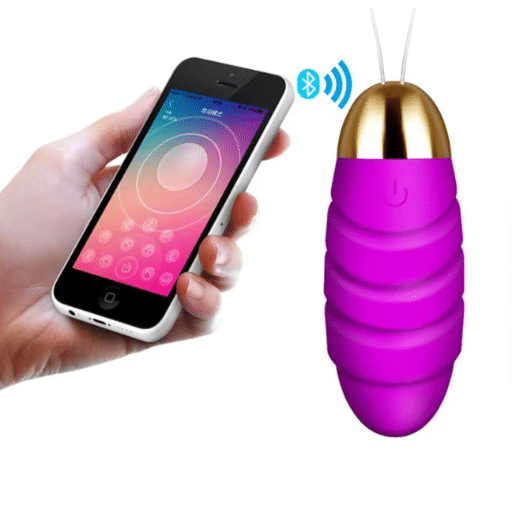
Optional Partner Control
An invitation-based app can let consenting adults share control while apart. The useful distinction is who can send commands and how permission is withdrawn. Agree on the session before sending an invitation, and locate the stop and disconnect controls before starting.
As a practical check, approve only the intended partner, test stopping the device, and review saved partner access afterward. Do not assume that closing an app automatically revokes an invitation. Follow the app’s instructions for ending access or unpairing. We-Vibe’s app safety guidance recommends unpairing partners when inactive and using an app PIN.
Adjustable Settings Without Outcome Promises
Where supported, selecting patterns and intensity gives the user a way to adjust operation. Saved patterns may also make it easier to return to preferred settings. These controls do not guarantee comfort, satisfaction, or a particular relationship outcome. Check fit and operation separately from the app’s feature list.
For readers comparing discreet adult products, consider physical controls and storage alongside connectivity. A compact shape or quiet-operation claim does not tell you how the app handles personal data.
Current Trends in the App-Controlled Market
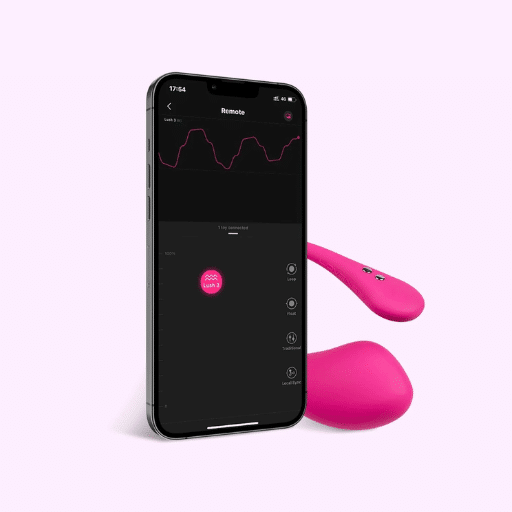
Compare Available Functions and Support
Manufacturer documentation offers a more useful starting point than broad market-growth claims. The examples below show functions to investigate, not a ranking or an independent security assessment.
| App ecosystem | Documented example | What to check for your purchase |
|---|---|---|
| Lovense | Phone-to-toy Bluetooth and supported internet partner control, described in its setup guide | Exact model compatibility, local pairing, and remote-mode requirements |
| We-Vibe App | Local/long-distance modes, partner invitations, and customizable patterns | Compatible products, available controls, and how partner access is ended |
The linked manufacturer pages explain their own offerings. They do not establish universal compatibility, unlimited range, or a fixed support period. Ask for the documentation that applies to the model and app version you plan to use.
For brands evaluating sex toy manufacturing, include software ownership and maintenance in the product discussion. A hardware specification alone does not answer who maintains the companion app or responds to a reported vulnerability.
Privacy and Security Concerns
Check Data, Permissions, and Access Separately
Before installing an app, read its privacy notice and permission explanations. Ask what information it collects, why it needs it, how long it retains it, and how to request deletion. Treat account login, Bluetooth pairing, app PINs, and partner invitations as separate controls. An app PIN is not the same as two-factor authentication for an account.
Avoid a blanket rule to deny all location requests. Android’s Bluetooth documentation explains that permission behavior depends on the operating-system version and app implementation. Older Bluetooth scanning can require location permission; newer implementations may use Nearby devices permissions or companion-device pairing. Check the stated purpose rather than assuming every location prompt means the same thing.
Microphone or camera access may relate to optional communication features. If you do not use those features, review whether the app lets you leave their permissions disabled. If a request is unexplained, ask the provider before granting it.
Practical Checks Before Use
Use these precautions as a checklist, not a guarantee of security:
- Install the official app and supported updates using the manufacturer’s instructions.
- Where an account is required, use a long, unique password and enable additional account protection if offered.
- Review permissions and partner access after setup and when your usage changes.
- Prefer a trusted network, while still checking the provider’s data-handling and connection-security information.
- Find the support and vulnerability-reporting contact before you need it. For example, Lovense publishes a security contact and disclosure policy; this is not evidence of an independent security audit.
For a supplier review, request evidence about authentication and encryption at each connection layer. Do not infer end-to-end protection from a general statement that an app is secure.
EU CRA Update: Manufacturer Reporting Has Started
On 11 September 2026, ENISA announced the launch of the CRA Single Reporting Platform. Manufacturer reporting duties began that day. The CRA’s main requirements apply from 11 December 2027; the earlier reporting start does not mean all CRA requirements began together.
Connected products commercially supplied in the EU may fall within the CRA, including through indirect data connections. Scope, exclusions, and the manufacturer’s role need product-specific assessment. A business marketing an outsourced product under its own name or trademark may be the manufacturer. Previously marketed products are not automatically exempt from Article 14 reporting. See the Commission’s legislative summary.
The Commission’s reporting guidance, updated 11 September 2026, distinguishes two reporting tracks:
| Reportable event | Early warning after awareness | Notification after awareness | Final report |
|---|---|---|---|
| Actively exploited vulnerability | Without undue delay; within 24 hours | Without undue delay; within 72 hours | No later than 14 days after a corrective or mitigating measure is available |
| Severe incident affecting product security | Without undue delay; within 24 hours | Without undue delay; within 72 hours | Within one month after the incident notification |
Manufacturers submit through the SRP. These duties concern qualifying exploitation and severe security incidents, not every software bug or ordinary connection failure. They are manufacturer obligations; consumers should use the provider’s support or security contact to raise concerns.
Questions for Brands and Buyers
For an EU-facing connected product, ask who is responsible for the app, firmware, vulnerability intake, and incident escalation. Request documented support periods and contacts, and clarify who maintains affected-version and mitigation records. These are procurement questions, not assurances that any particular supplier already meets them.
Keep wider market-entry questions in a separate assessment. Our guide to legal requirements for selling sex toys provides related context. To discuss your product requirements, contact Joyflick with the intended market, model, and connection modes.
GDPR Duties Remain Separate
CRA product-security reporting does not replace personal-data breach obligations. Under the Commission’s GDPR guidance, a controller must notify the relevant authority without undue delay and, where feasible, within 72 hours of awareness unless the breach is unlikely to pose a risk to people’s rights and freedoms. High-risk breaches can also require notifying affected people, subject to exceptions.
Consent to partner control, phone permissions, and lawful personal-data processing are different matters. Data concerning a person’s sex life can fall under GDPR Article 9’s special-category rules. This does not make every app data field special-category data or turn a permission prompt into legal consent. Assess the actual data and processing.
Frequently Asked Questions
What Are App-Enabled Sex Toys and How Do They Work?
They are compatible intimate devices whose supported functions can be controlled through a companion app. Local control commonly uses phone-to-toy Bluetooth. Supported long-distance modes add internet communication through the app service; Bluetooth alone does not span that distance.
Are They Safe Regarding Privacy and Security?
App connectivity alone cannot establish that. Review permissions, data handling, account and partner controls, update support, and the provider’s security information. A GDPR compliance statement is not a product-security seal or a guarantee of privacy.
How Do I Choose One That Works With My Smartphone?
Check the exact model’s documentation and current app-store requirements for your phone. Confirm local and remote modes separately, including account and internet requirements. Avoid relying on an old operating-system list or another model’s specifications.
Can They Be Used Long Distance, and How Reliable Is Control?
Supported apps offer internet-based partner control. Operation depends on the nearby Bluetooth link, both phones’ connectivity, and the app service. Test the connection and stop controls before use; no universal distance or reliability guarantee applies.
What Should I Know About Charging and Upkeep?
Follow the exact model’s instructions for charging, cleaning, water exposure, and storage. Check its stated runtime and charging method before buying. Do not apply generic full-discharge tests, waterproof assumptions, or charging procedures from a different product.
How Do Permissions and Updates Affect Operation?
Permissions allow specific app functions, so requirements vary with the phone, app, and selected features. Review their purposes and install supported official updates. Ask about maintenance duration rather than assuming updates will continue indefinitely.
Do Individual Users Have to Submit CRA Reports?
The manufacturer reporting duties described here apply to manufacturers of in-scope products. An individual user with a concern should contact the provider through its support or security channel. Businesses should assess their role rather than assuming an outsourced factory is always the responsible manufacturer.